
🚀 retentions 1.3: Smarter Retention, Fewer Surprises
With retentions 1.3, the tool grows up another notch.
The core idea hasn’t changed:
explicit, deterministic retention rules for plain files — no magic, no guessing.
But version 1.3 adds a few very practical features that solve real-world annoyances many backup setups quietly suffer from.
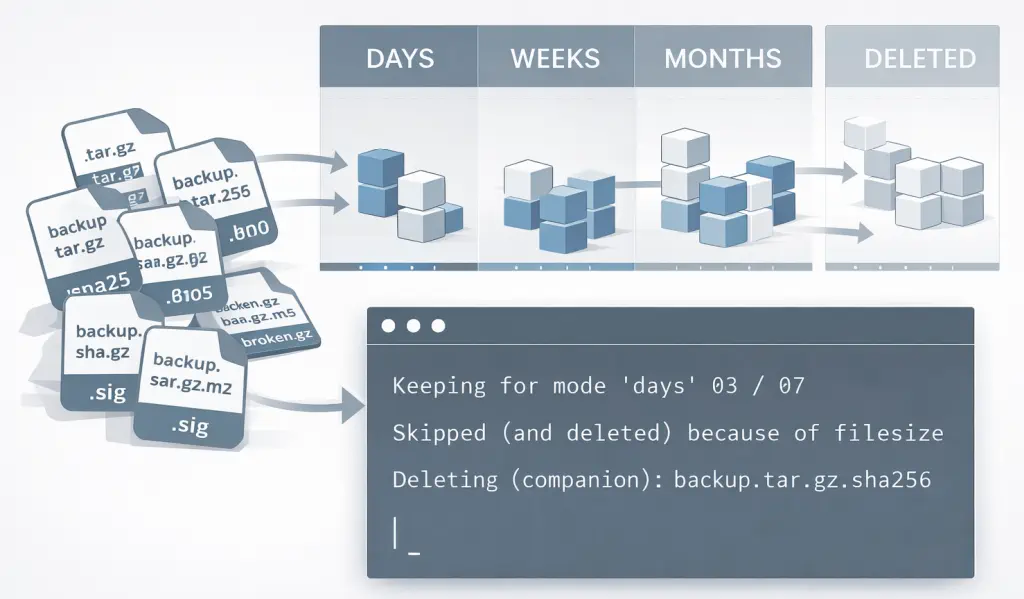
🧰 What’s New in retentions 1.3 (since 1.0)
🧨 Delete companion files (--delete-companions)
This is the big one.
retentions can now delete companion files automatically when a primary file is deleted — based on prefix or suffix rules.
Typical examples:
- checksums (
.sha256,.md5) - signatures
- metadata files
- sidecar formats created by backup tools
Rules are explicit and safe:
- companions are only deleted together with their primary file
- protected or retained files are never touched
- integrity checks ensure companions cannot accidentally delete kept files
🧹 Skip tiny files early (--skip-by-filesize)
Another very pragmatic addition.
Files smaller than a given size can now be skipped – and directly marked for deletion – before retention buckets are even built.
This is useful for:
- aborted backups
- zero-byte or near-zero files
- placeholder artifacts
📁 Folder Mode (retention for backup directories)
Folder mode allows retentions to treat directories as retention units, instead of individual files.
This is useful for:
- snapshot-style backups
- tools that create one folder per backup run
- backup sets that should be deleted atomically
The folder’s “age” is derived explicitly (e.g. from the youngest file inside).
Deletion removes the entire folder, not individual files.
Folder mode is deliberately incompatible with companion deletion and filesize skipping — it operates on complete backup sets.
🧠 Retention logic stays explicit
All the 1.0 fundamentals still apply:
- time buckets: hours, days, weeks, months, quarters, 13-week blocks, years
- optional
--last N - post-retention filters (
--max-files,--max-size,--max-age) - dry-run, list-only, lock-file safety
- detailed decision logging
Nothing became implicit.
Nothing became “smart” behind your back.
🧪 Four Real-World Examples
1) Delete backups and their checksum files (dry-run)
retentions /data/backups '*.tar.gz' -d 7 -w 4 --delete-companions 'suffix:tar.gz:sha256,md5' -X -V infoWhen a backup.tar.gz is deleted, backup.tar.gz.sha256 and backup.tar.gz.md5 go with it – and only then.
2) Keep the newest backups, but clean up companions too
retentions /data/backups '*.sql.gz' -l 5 --delete-companions 'suffix:.sql.gz:.sig' -V infoNewest backups are pinned by --last 5. Older ones are removed – including their .sig files.
Retained files keep their companions implicitly.
3) Ignore broken tiny files before retention kicks in
retentions /data/backups '*.zst' -d 10 -w 6 --skip-by-filesize 2K -V infoAny backup smaller than 2 KB is skipped and deleted early – before it can steal a retention bucket.
This avoids retaining garbage files and deleting valid ones later.
4) Retention for directory-based backups (folder mode)
retentions /data/backups 'backup-*' --folder-mode youngest-file -d 7 -w 4 -m 6 -V infoEach backup-* directory is treated as one retention unit.
Retention decisions are based on the newest file inside each folder.
Deletion removes the entire backup directory in one step.
🧭 Why 1.3 Matters
retentions 1.3 doesn’t add complexity —
it removes mental overhead.
You no longer need:
- custom scripts for sidecar files
- pre-cleanup jobs for broken backups
- post-mortem reasoning about “why this tiny file survived”
Retention decisions stay:
- explicit
- explainable
- reproducible
And now they finally handle the messy details that real backup directories always contain.